
Google Workspace Add-on
vCard to Excel
Import VCF and vCard contacts to Google Sheets™. Drag, drop, and convert easily.
Get it from Marketplace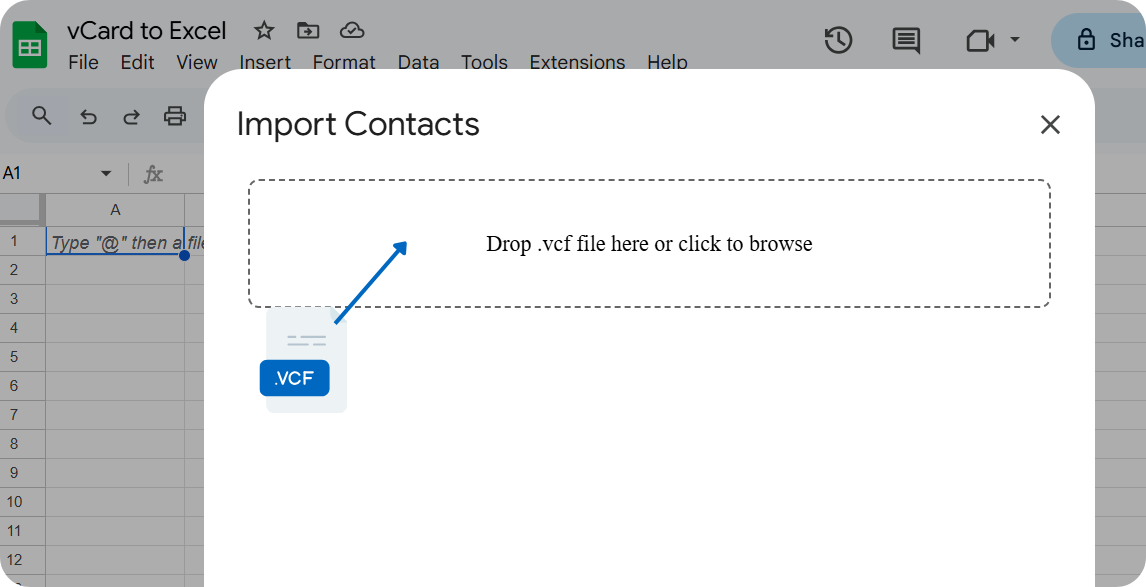
Features
100% Private
Runs entirely inside Google Sheets™. No external servers or data uploads.
No size limits
Import thousands of contacts at once.
Table format
Extract data into separate columns, such as name, email, phone, and address.
Simple
Browse to the file or drag and drop.
Frequently Asked Questions
Will my contacts get uploaded?
No. VCF to spreadsheet conversion happens directly inside your browser. Your contact data never leaves Google Sheets™.
Are there any usage limits or purchase necessary?
No. The add-on is free for both personal and commercial use.
Where do I get this app?
You will find the add-on in the Workspace Marketplace by clicking this link .